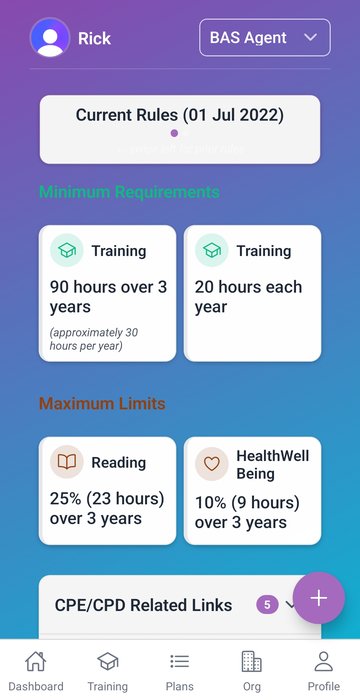
Everything you need to make CPE not your problem.
Onestop CPE captures training the moment it happens, maps it to every role you hold, builds personal and team training plans, and turns the year-end audit scramble into a one-click export. Built for individuals and the practices they work in.
Log training the moment it ends.
-
Real-time training logging
Tap once on mobile to log a session. Online, in-person or self-paced — everything captured to the right category for the right role.
-
Email-to-training
Forward a confirmation email and a record creates itself with the certificate attached. No more "where did I save that PDF?".
-
Events
Find professional events listed by Australian providers. One-tap registration interest plus auto-create a record on attendance.
One log, every role you hold.
-
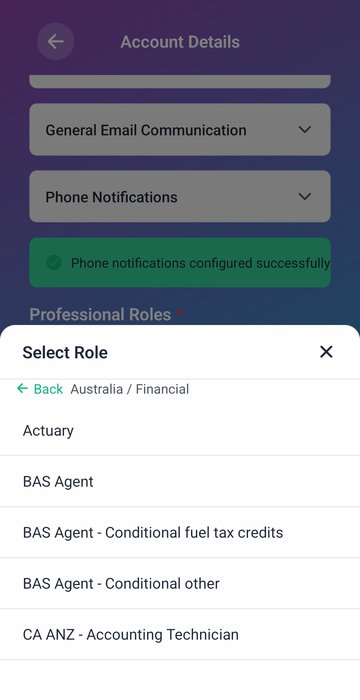
Multi-role support
Tax Agent, BAS Agent, CPA, CA ANZ, IPA, Financial Planner and more. Each role with its own cycle, its own categories, its own evidence.
-
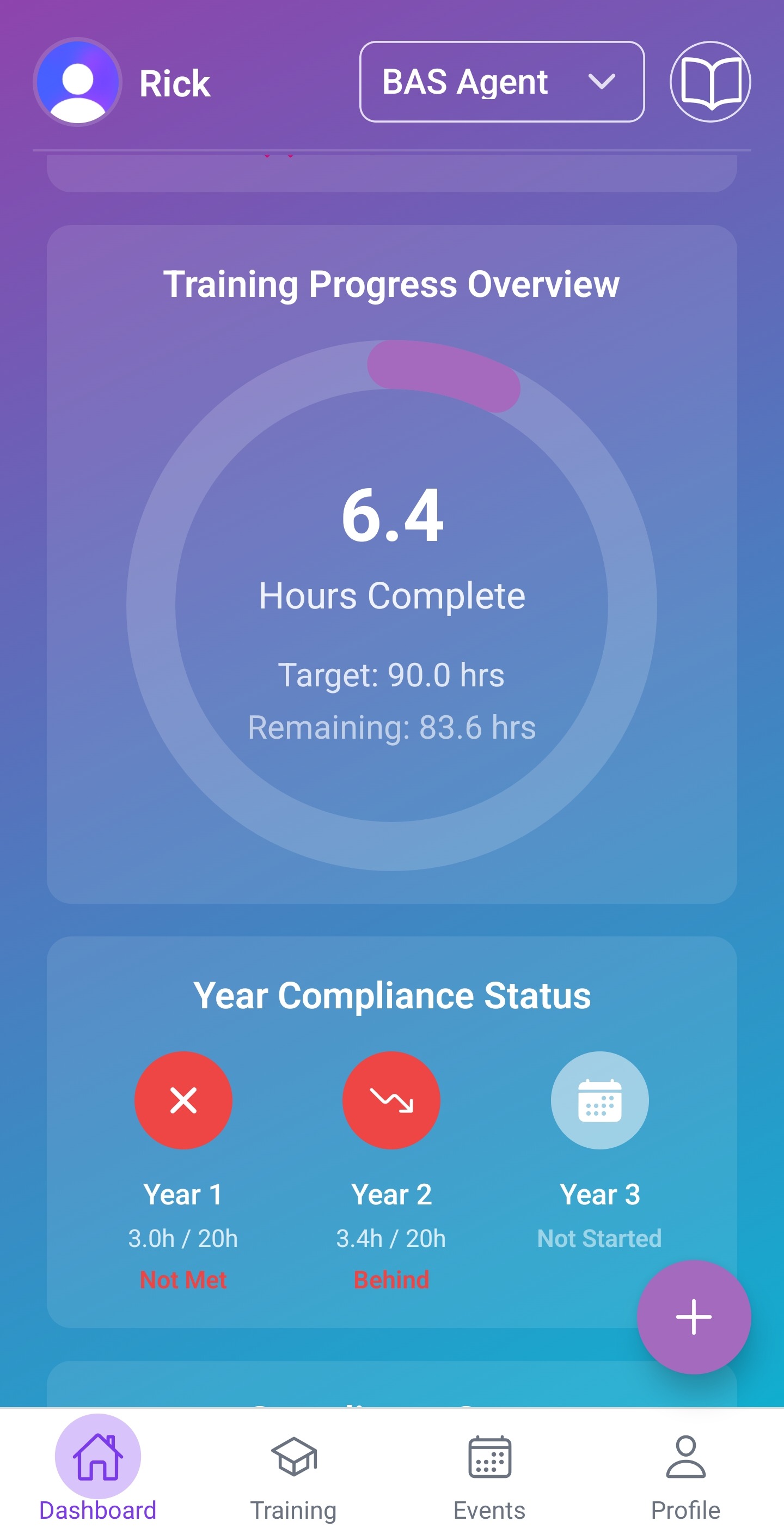
Compliance dashboard
See hours, days remaining, and required pace per category — every day of the cycle, not just at year end.
-
Personal & team subscription, side by side
A personal plan tracks your roles wherever you work. Inside a team, the practice gets visibility for the roles you share. Leave the practice and your records come with you.
Training plans — personal and team.
Most CPE trackers don't have training plans at all. The few that do treat them as a separate product, or only at the personal level. We bake them into the same dashboard.
-
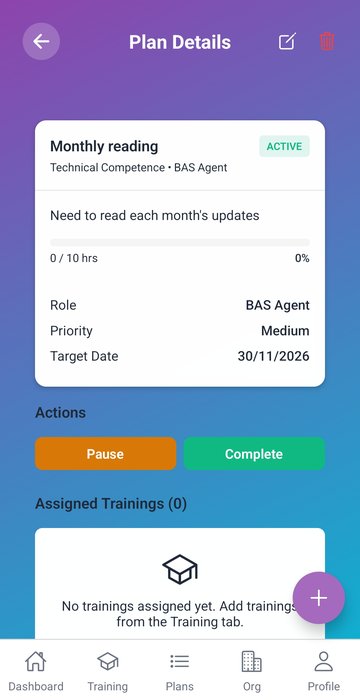
Personal training plans
Set goals per role, by category, by hours. Track progress to plan, not just to the regulator's minimum. Turn the year-end scramble into a managed quarter.
-
Team training plans
Practice principals build plans for the whole team or specific members. Assign by role, by member, or to the team. Watch progress visually on the org dashboard.
-
Plan vs minimum
Track progress against your plan and against the regulator's requirement at the same time. The strongest practices treat CPE as professional development, not a tick-box.
For practices and firms.
-
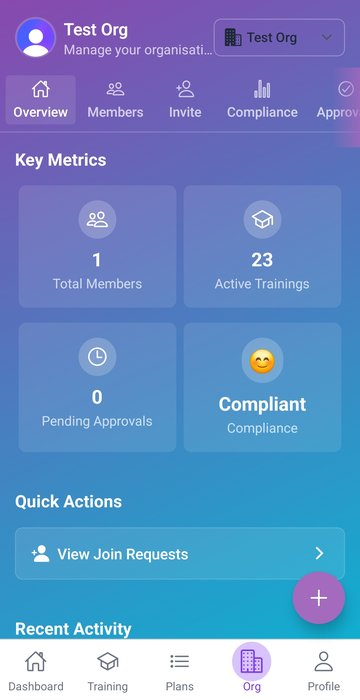
Organisation management
Invite team members, assign roles, manage seats, see every agent's status from one screen.
-
Approval workflows
Partners sign off entries before they hit the audit record. Sole agents skip this step.
-
Team compliance analytics
Pace by member, category and cycle. Spot the agent who's behind early enough to actually fix it.
Audit-ready by design.
-
Audit-ready reports
One click for a single PDF with timestamped evidence, categories and totals. The format the regulator already expects.
-
Import & export
Bring records from your spreadsheet or previous tracker. Export everything in CSV or PDF whenever you need it.
-
Secure cloud storage
Encrypted at rest, encrypted in transit. Australian data residency. Backed up. Compliant with Australian standards.